
Payments
The bill is already settled.
Guests pay in the same step as ordering, together or each for themselves. You get one overview you can hold next to your POS.

- Subtotal
- €25.00
- Service fee
- €1.50
- Tip
- €2.50
- Total
- €29.00
One table, more than one way to pay.
Everyone pays their part
One guest pays for everything, the table splits evenly or each guest pays for their own dishes. Everyone chooses whether to tip, and your overview keeps it as one table order.

- 1×House SmashS€14.50
- 1×House LemonadeS€5.00
- 1×Goat cheese saladD€12.50
- SSanne2 items · tip €1.50€21.00Paying nowPaid
- DDaan1 item · tip €1.00€13.50Paying now
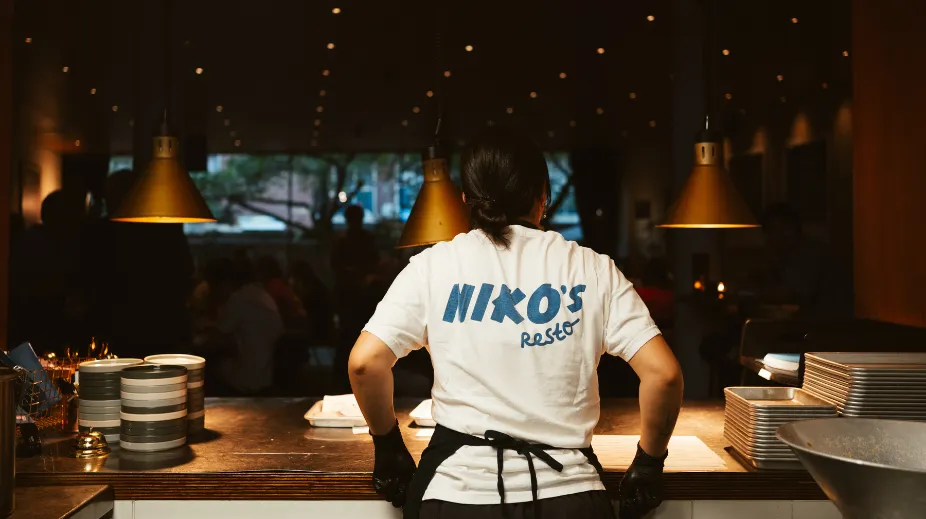
Guests want to have finished eating and paid before their film starts. In the past, everyone flocked to the bar to pay by card just as the film was about to begin.
Entree Magazine · 5 December 2025Translated from DutchRead the article
Common questions
Can a guest see the open bill?
Yes. When paying, the guest can see the current receipt, previous payments and the outstanding amount.
Can the bill be split?
Yes. One guest pays for everything, the table splits evenly or each guest pays for their own dishes.
Can a guest add a tip?
Yes. Tipping can be offered as part of payment when configured for the venue.
Which POS systems support paying at the table?
A supported POS connection that fetches the table’s bill. Your POS page under integrations shows whether paying at the end is included.