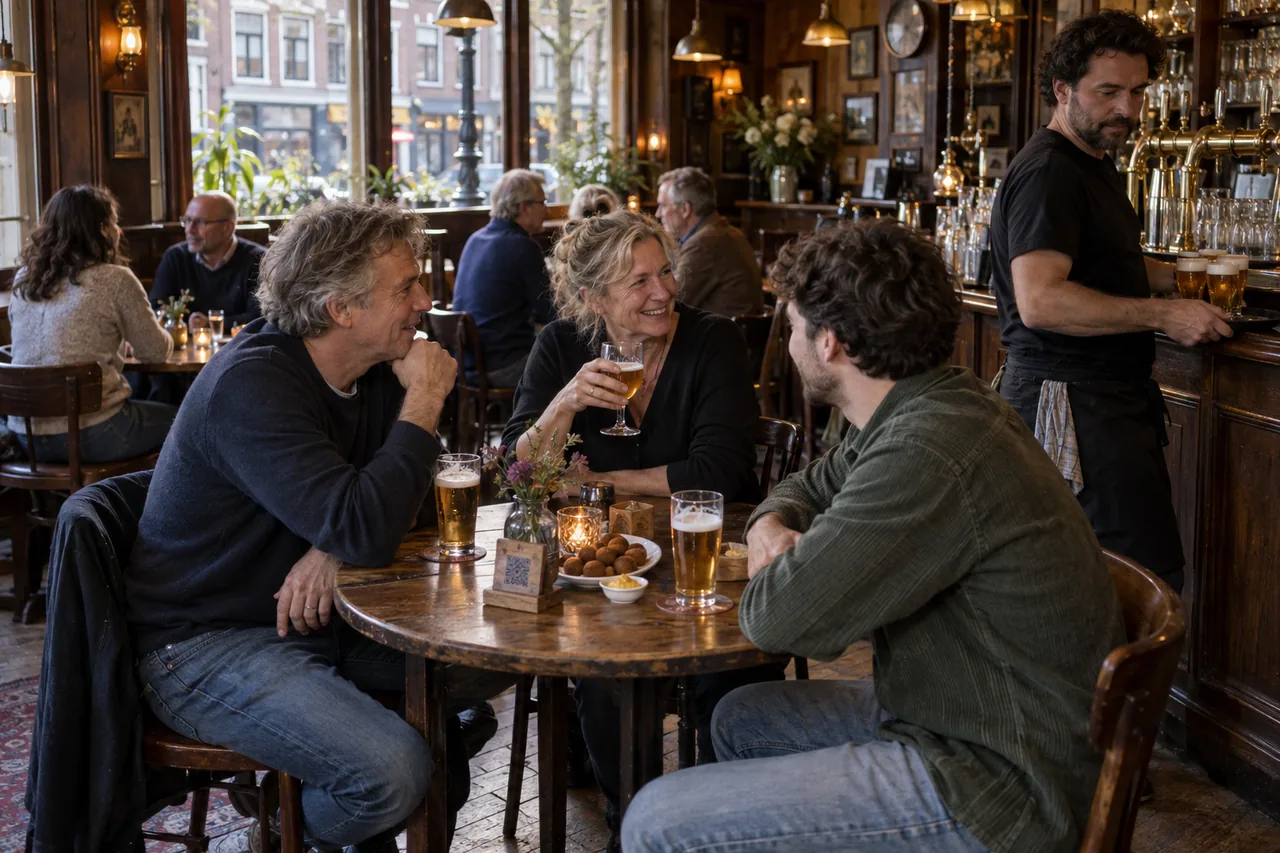
Another round, without waiting to catch someone’s eye.
When the place is packed, guests order their next round from the table. Your team keeps pouring, chatting and clearing, and sees every order come in.
In use at venues including







The regular round stays.
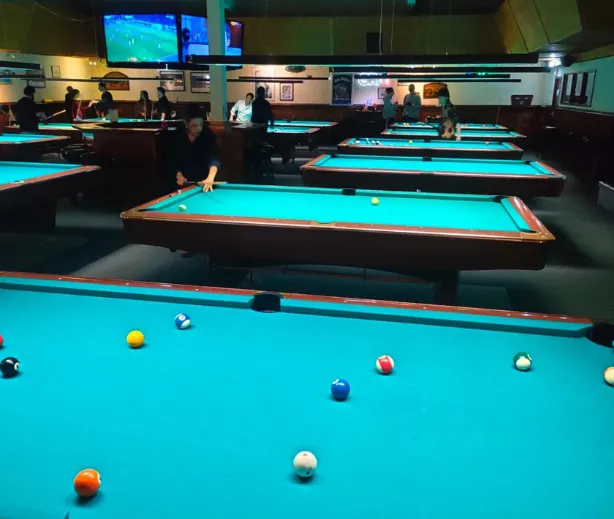

Of course the team still does its regular round, asking guests whether they would like another drink. But when it gets really busy, guests can also quickly order for themselves with the QR codes.
Entree MagazineEnglish translation of the Dutch originalRead the Dutch article at Entree
From “same again” to the right ticket
Guests find their drink quickly and get the size, mixer or extras right first time.
Guests open your menu
In your colours, with your own photos, and with what people drink at this hour at the top.
Choices stay simple
Size, mixer and extras only appear on the drinks they belong to.
The ticket reaches the bar
Table number, drinks and extras arrive together at the POS, printer or tablet you choose.

 Table 14
On tap
Cocktails
Friday, 10:14 pm. The terrace is full and the second round starts inside.
Guests who know what they want scan and order. Guests who want a chat, or can’t decide, still walk up to the bar. The QR code is an extra pair of hands, not a replacement for your bartender.
Where a busy night goes wrong
Rounds get missed
Not because your team isn’t paying attention, but because five tables want something at once.
A drink has choices
Large or small, which tonic, ice or no ice: on a phone it has to be as clear as it is at the bar.
The tab runs all night
One table pays per round, another only when they leave. Both should work.
Same again, please.
Guests who keep their orders in an account see their last round again. One tap puts it all back in the basket; once they confirm, the ticket is at the bar.

Change things mid-shift, without leaving the bar.
Keg empty or kitchen closed? Change it and guests see it straight away.
Keg empty? Switch the beer off.
Pause the item or mark it sold out. Guests see what is still on tap until the new keg is connected.
See rush control
Available to order · shown on the guest menu
Another round
- De Kade Pale Ale33 cl€6.50
- Sea Salt FriesFor sharing€5.00
Pay per round or keep a tab open.
You decide whether guests pay straight away or at the end of the night, like an open tab at the bar.
See paymentsBar snacks on top from five o’clock.
Let lunch disappear and the bar snacks appear at the times you set, in the same menu guests open.
See menus and branding
What bars often ask us
Where does an order from table 14 arrive?
Wherever you want: at the POS, on a ticket printer behind the bar or on a tablet. We set that up with you before you go live.
Do guests have to pay straight away?
You decide. Guests pay per round on their phone, or put it on the tab and settle later.
Will my team still walk the floor?
Ideally, yes. Your team keeps doing its rounds; the QR code is for guests who don’t want to wait when it’s busy.
Do guests need to download an app?
No. Guests order and pay in their phone’s browser: through the QR code at the table or the link to your own ordering site for takeaway and delivery. At a kiosk they order and pay on the kiosk itself.
Can guests keep ordering on the same bill?
Yes, with an open table tab. Guests keep ordering all evening and settle once at the end. The comparison shows which plan includes it.
Can we use a separate menu for lunch or late night?
Yes. You set when each menu is visible, so guests automatically see the menu that applies at that moment.