
Order flow
One list for the whole floor.
Every order arrives with its table, time and status, and goes to the station that makes it. Your team reads the list instead of walking it.

Orders move. The team stays in control.
Everything on one screen
Table, time, items and status share one list. Filter by station, area or menu and work through open orders.

- Subtotal
- €25.00
- Service fee
- €1.50
- Tip
- €2.50
- Total
- €29.00
- Paid with
- Apple Pay
- 1×House SmashNo onion
- 1×Brisket Loaded Fries
Pause what cannot be served
Pause a dish for 1, 12 or 24 hours, or mark it unavailable. Either way guests no longer see it; a pause ends by itself, so you do not have to switch it back on.

Available to order · shown on the guest menu
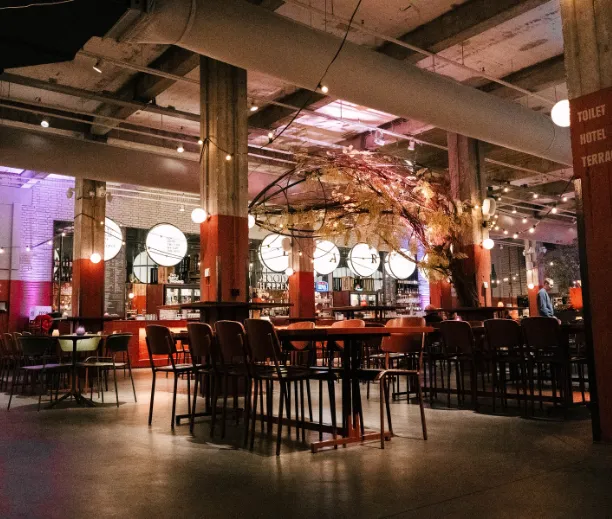

As an owner you can manage the pace yourself, for example by marking products as ‘sold out’ or pausing the system for a moment when it suddenly gets too busy.
 Chong Chu · FoodhallenFounder
Entree Magazine · 9 January 2026Translated from DutchRead the article
Common questions
Do service requests get mixed up with orders?
They share the same workstream but remain clearly identifiable as a different kind of signal.
Can staff mark orders as in progress?
Yes. The order tablet supports new, active and completed stages.
What happens after a printer or POS error?
The status stays attached to the order so staff can recover it or act manually.